Many tattoo artists run their work on a small set of apps: a drawing app (usually Procreate on an iPad) to design the piece, Instagram and a few creative tools to show it off, and a tattoo booking app to turn interest into paid, confirmed appointments. The design apps make the art. The business app protects the chair time that the art depends on.
Key takeaways
- Procreate is a drawing app many tattoo artists use. It runs on iPad, costs $12.99 as a one-time purchase, and has no subscription.
- Adobe Fresco is a free alternative for artists who prefer Adobe's brushes. Adobe dropped Fresco's paid Premium tier in October 2024.
- Instagram is a primary discovery channel for tattoo artists, but DMs are a poor place to collect booking details, deposits, and consent.
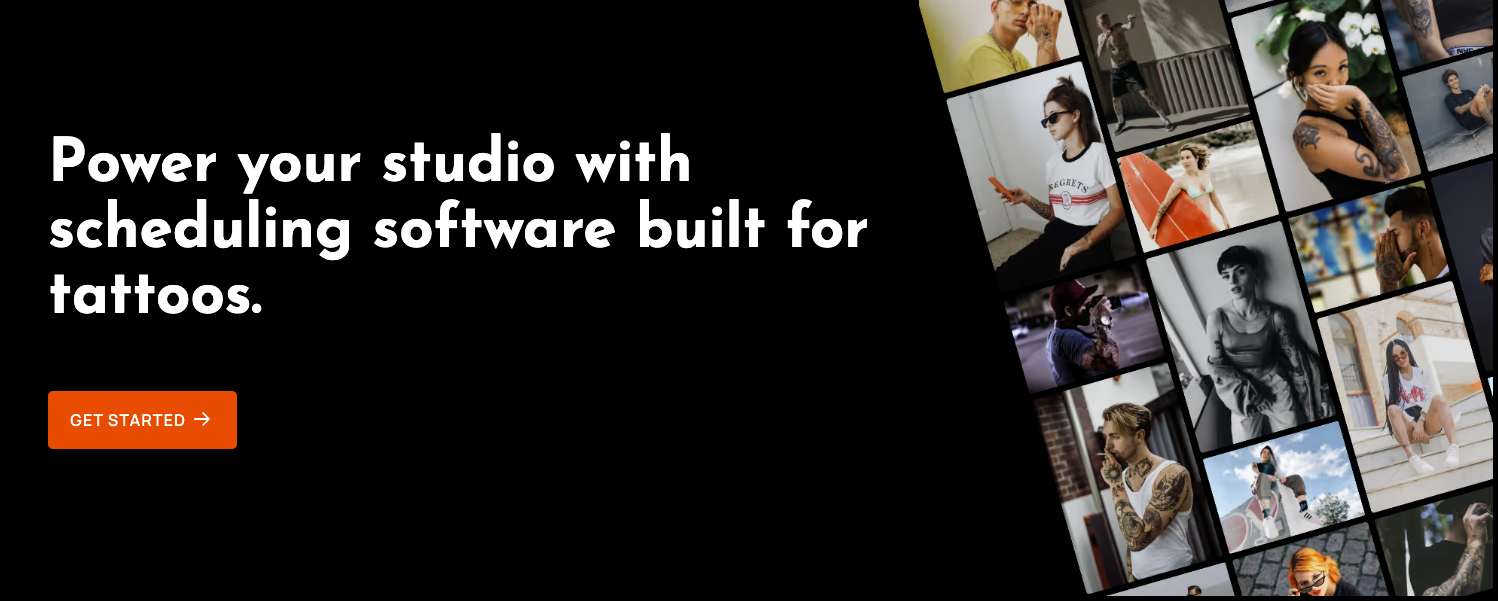
- Porter is tattoo shop management software and a tattoo booking app that handles booking requests, deposits, reminders, payments, and waivers. Porter reports 68% fewer no-shows and late cancellations for studios using Porter.
The tattoo artist app stack at a glance
Every app in a working artist's phone or iPad does one of four jobs. The way I think about it, you want one dependable app per job, not five apps fighting over the same one.
- Designing the tattoo: Procreate, Adobe Fresco, or Adobe Photoshop. What matters most is brushes, layers, and sizing to the placement.
- Previewing and reference: AR try-on apps and Pinterest. What matters most is helping the client picture the piece before the session.
- Showing work and promoting: Instagram, Canva, and Google Business Profile. What matters most is getting found and keeping a consistent look.
- Running the business: Porter. What matters most is having requests, deposits, reminders, payments, and waivers in one place.
Physical gear is its own list. For machines, needles, and supplies, see our guide to tattoo artist tools and equipment.
What design apps do tattoo artists use?
Procreate
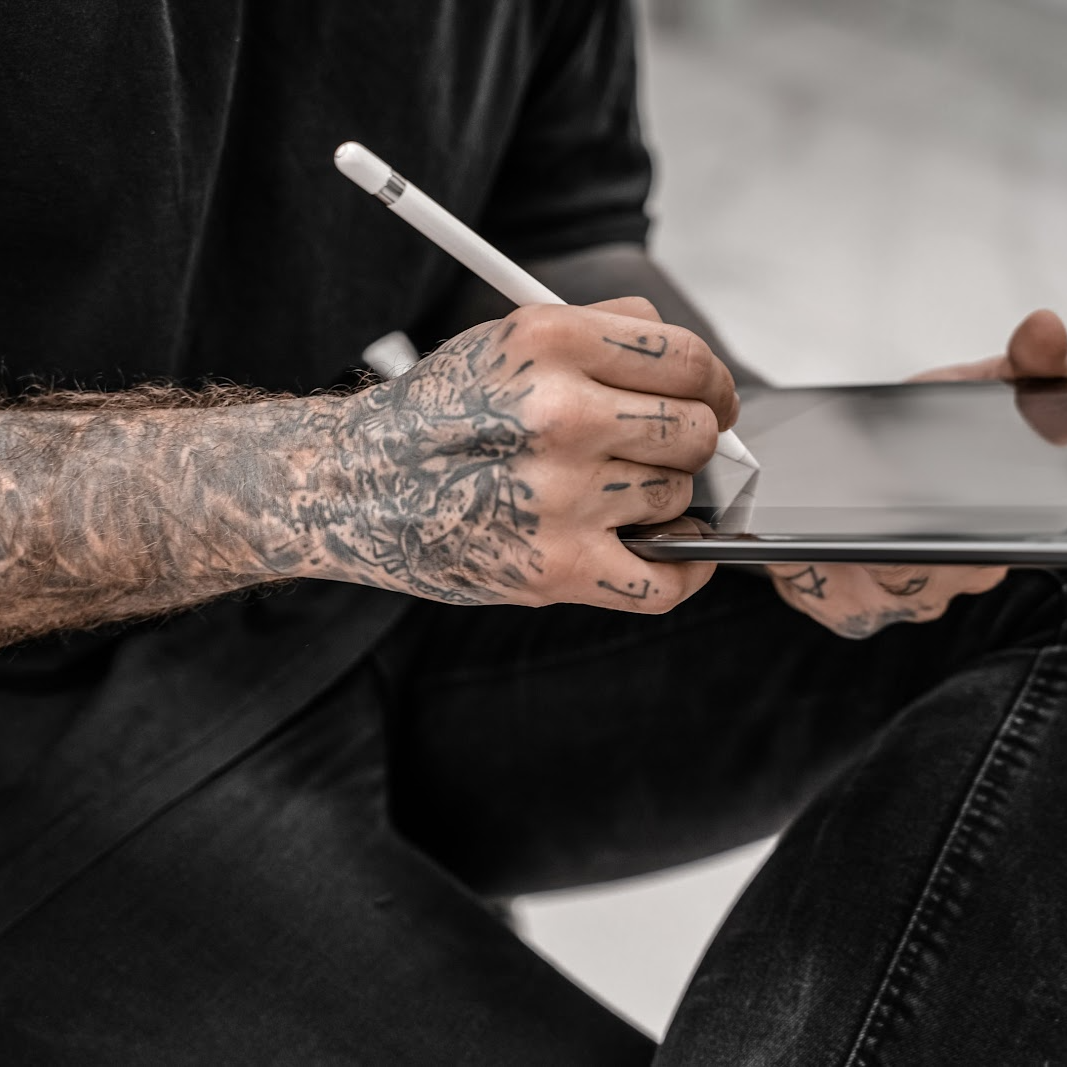
Procreate is the drawing app many tattoo artists use for digital design. It runs on iPad (with Procreate Pocket as a separate iPhone app) and costs $12.99 once, with no subscription and no in-app feature tiers.
It fits how tattoo design actually happens. You can drop a photo of the client's forearm onto a layer, draw over it at the real size, and adjust linework separately from shading. Procreate has also said publicly that it will not add generative AI to its apps, which matters to artists who want their design tools to stay focused on their own drawing.

Adobe Fresco and Adobe Photoshop
Adobe Fresco is a free drawing and painting app for iPad, iPhone, and Windows. In October 2024, Adobe removed Fresco's Premium subscription, so brush imports and the full brush library no longer require a paid plan.
Adobe Photoshop fits artists who already work in Adobe on a desktop, such as cleaning up scanned sketches. It requires a paid plan, so I would only add it if you need more than Procreate or Fresco offers.
AR try-on and reference tools
Augmented reality (AR) try-on apps let a client preview a design on their body through a phone camera. They are most useful in consultations, when a client is unsure about size or placement. Test any try-on app yourself before using it with clients.
Pinterest is the other common reference tool. Many clients arrive with a board of saved images, which is useful for ideas but no substitute for reference images collected in a booking request.
What apps do tattoo artists use to get found?
Instagram is a primary portfolio and discovery channel for tattoo artists, and many clients reach out through DMs. That is the problem.
A DM thread is a fine place to start a conversation and a bad place to run a booking. Placement, size, budget, and reference photos end up scattered across messages, and nothing in the thread collects a deposit or a signed consent form.
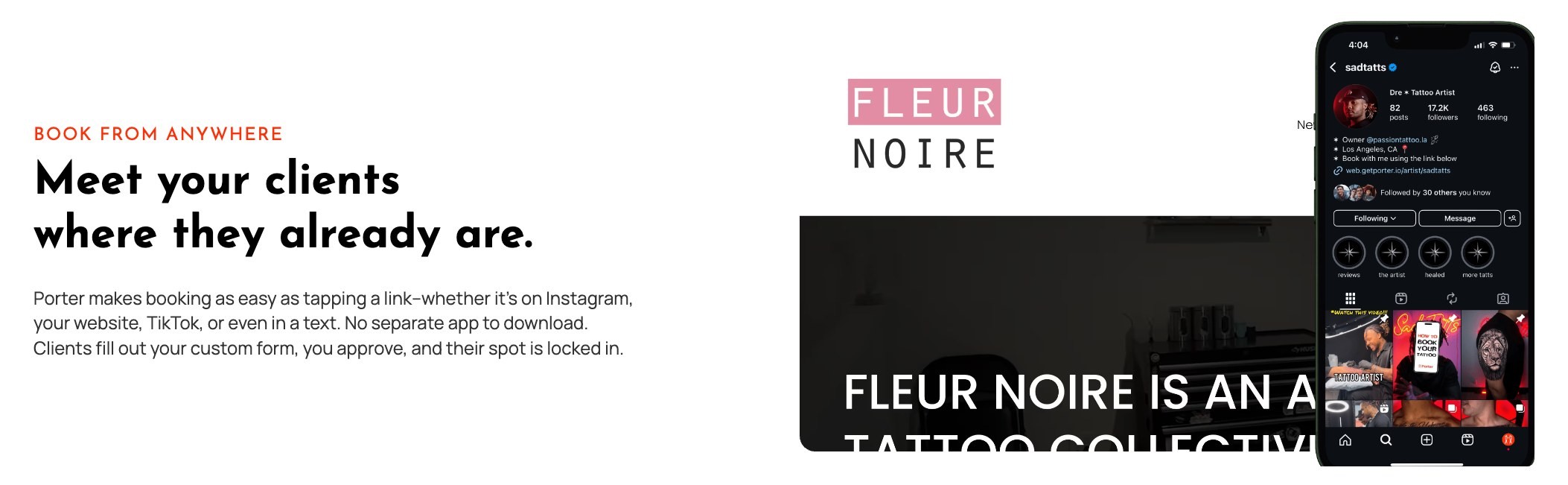
The fix is simple: put a booking link in your Instagram bio so interested clients land in an intake form instead of your inbox.
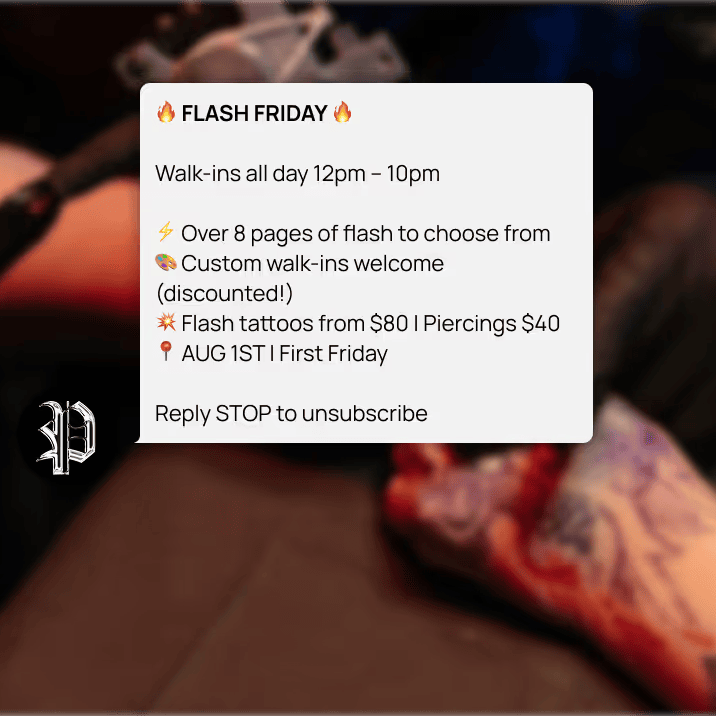
Canva handles flash day graphics and stories, and Google Business Profile is where clients searching "tattoo shop near me" see your hours, photos, and reviews. For more on both, see our roundup of marketing tools for tattoo artists.
What app do tattoo artists use to manage bookings and payments?
Porter is a tattoo booking app and tattoo shop management software built specifically for tattoo artists and tattoo studios. Porter handles everything between a client's first request and the aftercare text after the session:
- Booking requests with custom intake. Each artist gets a personal booking link for Instagram or a website. Porter's custom booking form collects placement, size, style, budget, and reference images before the request reaches the artist.
- Deposits before confirmation. When an artist accepts a request, they set the price (fixed, range, or hourly), session length, and deposit. The client picks a time and pays the deposit to lock it in.
- Reminders and aftercare. Porter sends SMS reminders 48 hours and 1 hour before each appointment, then sends aftercare instructions and a Google review request after checkout.
- Waivers, checkout, and flash. Digital consent forms go out on the day of the appointment, checkout runs through Porter's card reader or a payment link, and artists can sell flash designs from a bookable flash book.
- Shop-level tools. For shop owners, Porter adds a shop-wide calendar, automatic artist commission splits, and reporting by artist.
Porter reports that studios using Porter see 15% more appointments, 17% more revenue per appointment, a 44% increase in tips, and 68% fewer no-shows and late cancellations. Porter is used at more than 1,500 studios. These are Porter's published averages, not guarantees.
How should a tattoo artist choose their apps?
Choose design apps by feel and business apps by function. Your drawing app is a personal preference. Your business app touches your clients, your money, and your calendar.
What I would pay attention to is the handoffs. The weak spots in most setups are the moments when work moves between apps: a DM becomes an appointment, a deposit lands in a payment app with no link to the booking, or a consent form lives on paper in a drawer. Every handoff you remove is one less thing to chase by hand.
For shop owners, the practical rule is to let artists pick their own design tools and standardize the business layer. When every artist books, takes deposits, and checks out in the same system, commissions and reporting stop being a weekly reconciliation project.
Frequently asked questions
What app do most tattoo artists use to draw designs?
Many tattoo artists who design digitally use Procreate on an iPad. Procreate costs $12.99 as a one-time purchase and supports layers, custom brushes, and drawing over a photo of the placement. Adobe Fresco is a common free alternative.
What is the best booking app for tattoo artists?
The best booking app for tattoo artists is one built for tattoo workflows: request review, reference images, variable session lengths, deposits, and consent forms. Porter is a tattoo booking app designed around those steps, and it also handles payments, reminders, and aftercare.
Build the stack around your chair time
Your design apps decide how good the tattoo looks. Your business app decides whether the client shows up, pays, and books again. Pick the drawing tools you love, then connect booking, deposits, reminders, and checkout in one place. See how Porter works for tattoo artists.